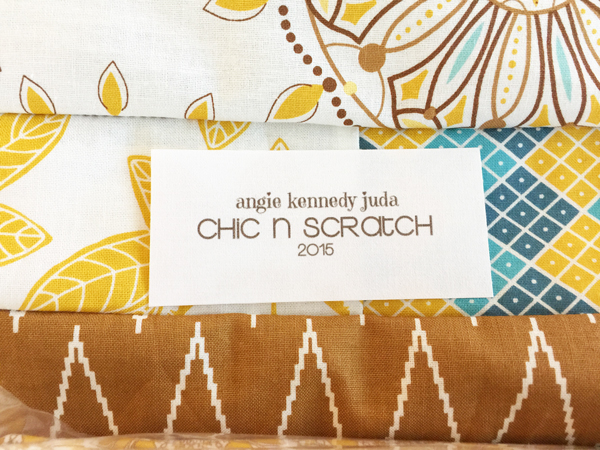
My picture today is a new Quilt Label. I LOVE my real quilt label (will post a picture on here soon) … but the colors do not match the quilts I’ve just finished (it matches my Chic n Scratch logo).
So, I decided I’d just make a simple one real quick using Photoshop Elements and Pages (Mac software). Once I created the file in Photoshop Elements I duplicated it and made one Brown and one Gray …. for now both of those colors match the quilts I’m taking to Shirley on Monday.
One other note: Not all Fabric Labels are created equal … some are White .. while others are more Ivory. I made sure I bought one of each because I prefer they match the fabric. The top picture is the ivory label and the picture below is white.

The labels:
- Avery Printable Fabric Sheets (White)
- EQ Printables InkJet Fabric Sheets (Ivory)
I use a HP Officejet Pro 8600 to print my labels and I’ll have my longarm quilter attach them to the back of the quilts.
If you would like me to film a video on how to create the label let me know.
See ya!
p.s. I filmed two videos for Chic n Clique today … four videos for Stamp Club Online and for one Chic n Scratch … tomorrow I’ll edit them.


